⚠ To be verified — reported by a single source (polygon.com), not yet confirmed.
In GTA 6, the laptop in the bedroom of your Chapter 3 apartment asks for a password, and none of the options offered at first seem to fit. The answer is spread across two items elsewhere in the apartment, so the password is never far from you. Once you work it out and open the laptop, you can browse the windows left open by the apartment’s previous occupant, including a conversation that points you to a new location.
Steps
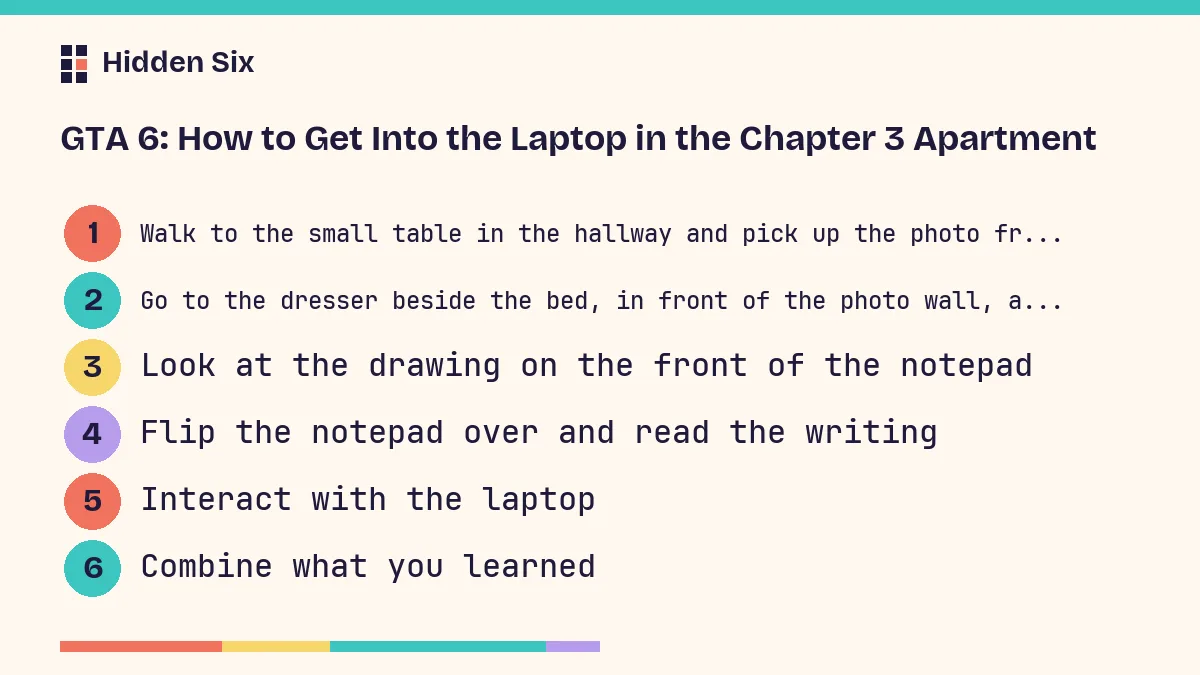
- Walk to the small table in the hallway and pick up the photo frame dedicated to a dog called Muffins. Examine it, then put it back down.
- Go to the dresser beside the bed, in front of the photo wall, and pick up the notepad.
- Look at the drawing on the front of the notepad: Muffins is shown relaxing on a throne, wearing a tiara and holding a drink.
- Flip the notepad over and read the writing: “Class of ’15 reunion next Friday.”
- Interact with the laptop. Now that you have investigated the apartment, the actual password options appear.
- Combine what you learned. The password is made up of three parts: the dog’s name, what she is according to the drawing, and the class year. Together they give MuffinsQueen15.
What you can do there
Once the laptop is unlocked, you can flick through the windows left open by Vanessa, the previous occupant of the apartment. Everything you can look at is a snapshot of how she left the machine:
- WhatUp conversations: there are five chats on this messaging app. One of them leads you to a location called Auntie’s Place.
- Photo gallery: a set of pictures she left open on the screen.
- PeekHole conversations: the game’s parody of an adult-content subscription platform, shown as a message feed.
If you are after the lead to Auntie’s Place, the WhatUp window is the one to read carefully, so take your time with each of the five chats rather than closing them quickly.
Where to find it
The laptop sits in the bedroom of your Chapter 3 apartment. The two clue items are close by: the photo frame is on the small table in the hallway, and the notepad is on the dresser next to the bed, in front of the photo wall. You do not need to leave the apartment at any point, so the whole puzzle can be solved in a minute or two.
Tips
- Check the hallway table and the bedroom dresser before you try the laptop. The correct password options only show up after you have investigated the apartment, so guessing from the first choices will not work.
- Read both sides of the notepad: the drawing gives you the description of the dog, and the writing on the back gives you the class year.
- Pick up and examine the photo frame properly rather than just walking past it. Examining it and putting it back down is what counts for the dog’s name.
- Remember that the password uses all three pieces together, in this order: the dog’s name, the description, then the year.
Sources
- What is the laptop password in GTA 6. — polygon.com