Players exploring the world of GTA 6 may occasionally encounter a persistent weather bug that prevents rain, thunderstorms, or hurricanes from occurring. If your game world remains stuck with clear skies despite the passage of time, you can use two specific methods to reset the dynamic weather system. These solutions are designed to get the atmosphere moving again, ensuring you can experience the full range of environmental effects available in the game.
Requirements
To perform the console-level fix, you must have your PS5 or PS5 Pro fully powered down. You will also need a USB cable to connect your controller to the console to navigate the Safe Mode menu. For the in-game fix, you must be able to access the mission titled ‘Retest Freddie’s Defenses’ located in the northern region of the map.
Steps
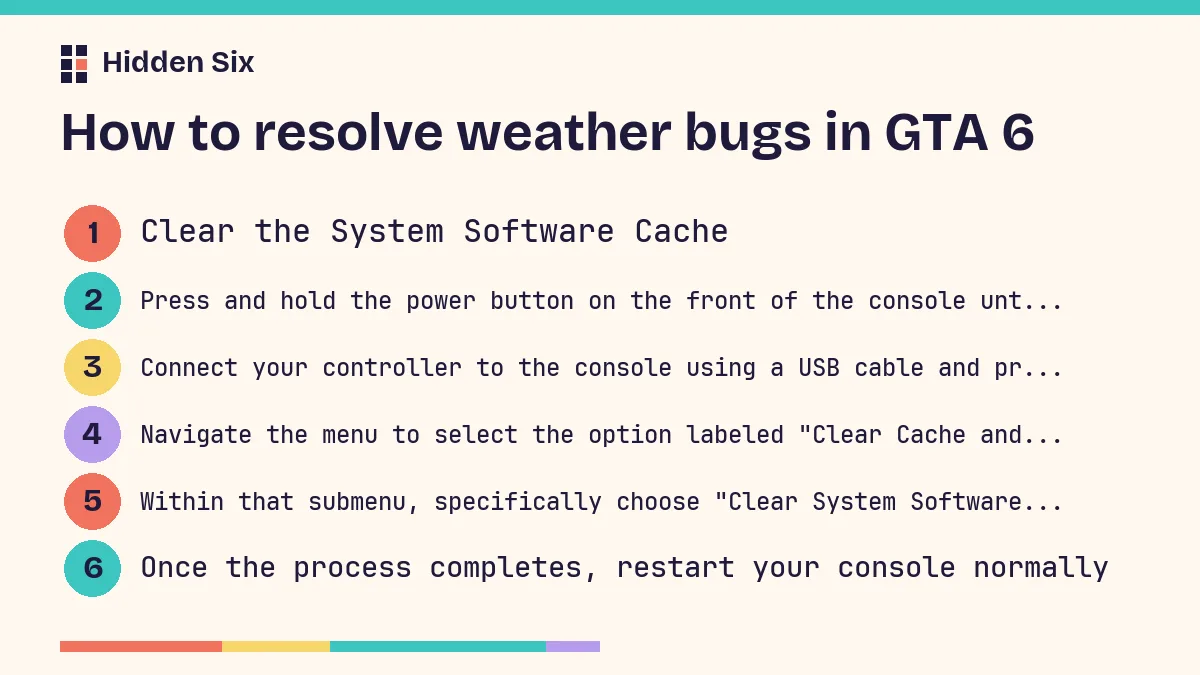
- Clear the System Software Cache: Ensure your console is completely turned off, avoiding Rest Mode.
- Press and hold the power button on the front of the console until you hear a second beep, which signals that the system has entered Safe Mode.
- Connect your controller to the console using a USB cable and press the PS button to sync it.
- Navigate the menu to select the option labeled “Clear Cache and Rebuild Database.”
- Within that submenu, specifically choose “Clear System Software Cache.” Be careful to select this option by name rather than by number to avoid selecting the “Reset PS5” option, which would erase your data.
- Once the process completes, restart your console normally.
- Complete the Hurricane Mission: Travel to Freddie’s compound to initiate the mission “Retest Freddie’s Defenses.”
- Finish the mission objectives as prompted to trigger the game’s hurricane event, which often forces the weather system to reset and resume normal cycles.
Where to find it
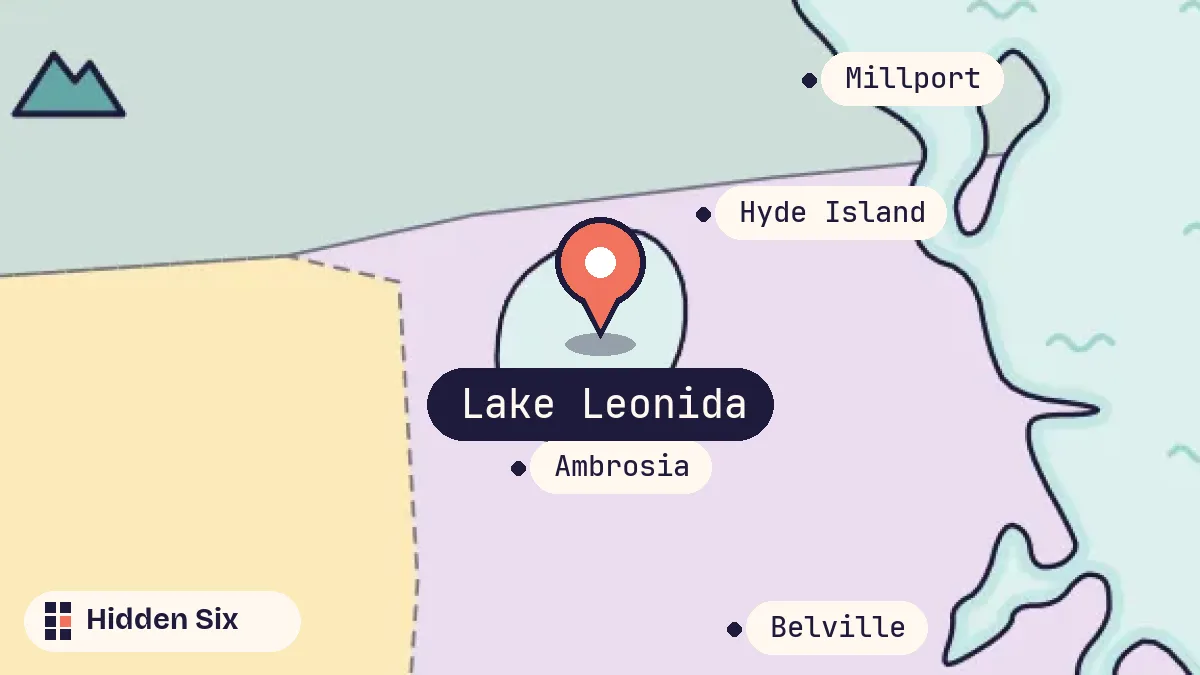
The mission “Retest Freddie’s Defenses” is located at Freddie’s compound, situated in the Ambrosia region just north of Lake Leonida.
Tips
- Clearing the system software cache is a safe procedure that does not delete your game save files or installed applications.
- If you started your save file before the initial game update, you are more likely to experience this weather bug, making these manual fixes necessary.
- Always ensure your controller is physically connected via USB when in Safe Mode, as wireless connectivity is disabled during this startup process.
- If the weather does not immediately normalize after the mission, try sleeping or waiting in-game for a full cycle to allow the dynamic weather engine to refresh.
Sources
- Why Your GTA 6 Has NO RAIN (And How To Fix It) — MrDalekJD (YouTube)