⚠ To be verified — reported by a single source (ign.com), not yet confirmed.
In GTA 6, a car that ends up completely upside down is not the end of your drive. A short button combination puts it back on its four wheels, so you can keep going instead of abandoning the vehicle. It is especially handy on the tight streets of Vice City, where a rollover can happen quickly.
How it works
The flip is a built-in vehicle control that the game does not teach you. It only applies when the car has been overturned completely, meaning it is resting fully upside down. Rather than forcing you to find a new ride, the control lets you right the same car and carry on with whatever you were doing.
Steps
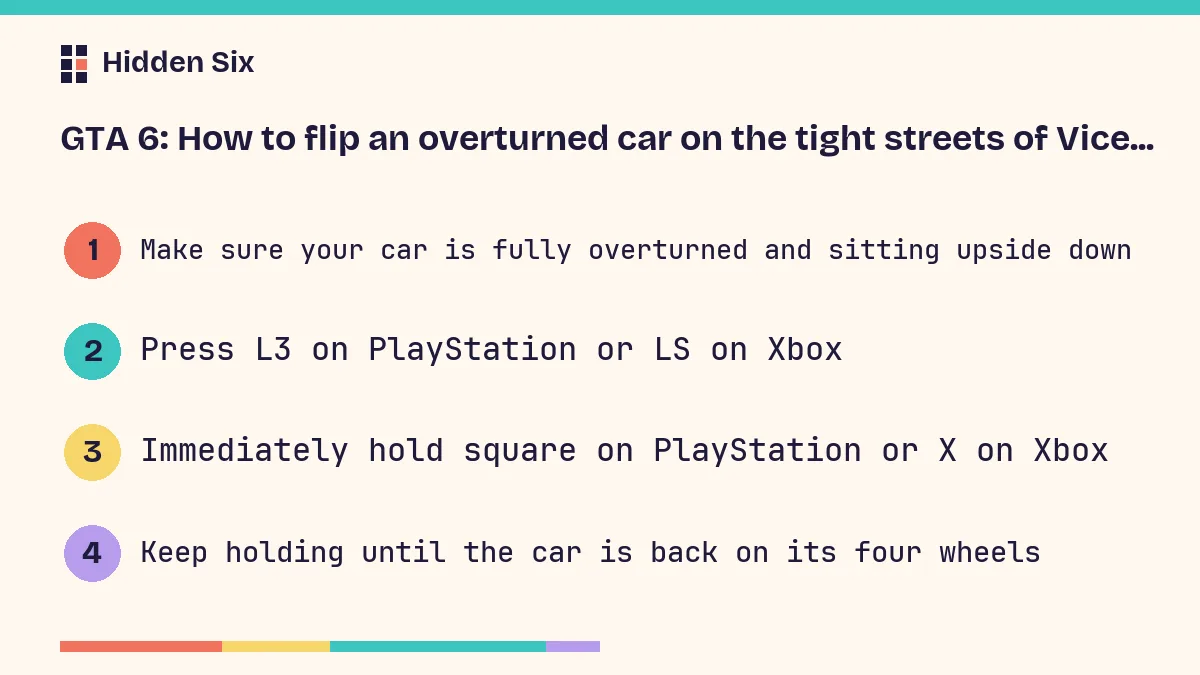
- Make sure your car is fully overturned and sitting upside down.
- Press L3 on PlayStation or LS on Xbox.
- Immediately hold square on PlayStation or X on Xbox.
- Keep holding until the car is back on its four wheels.
Where to find it
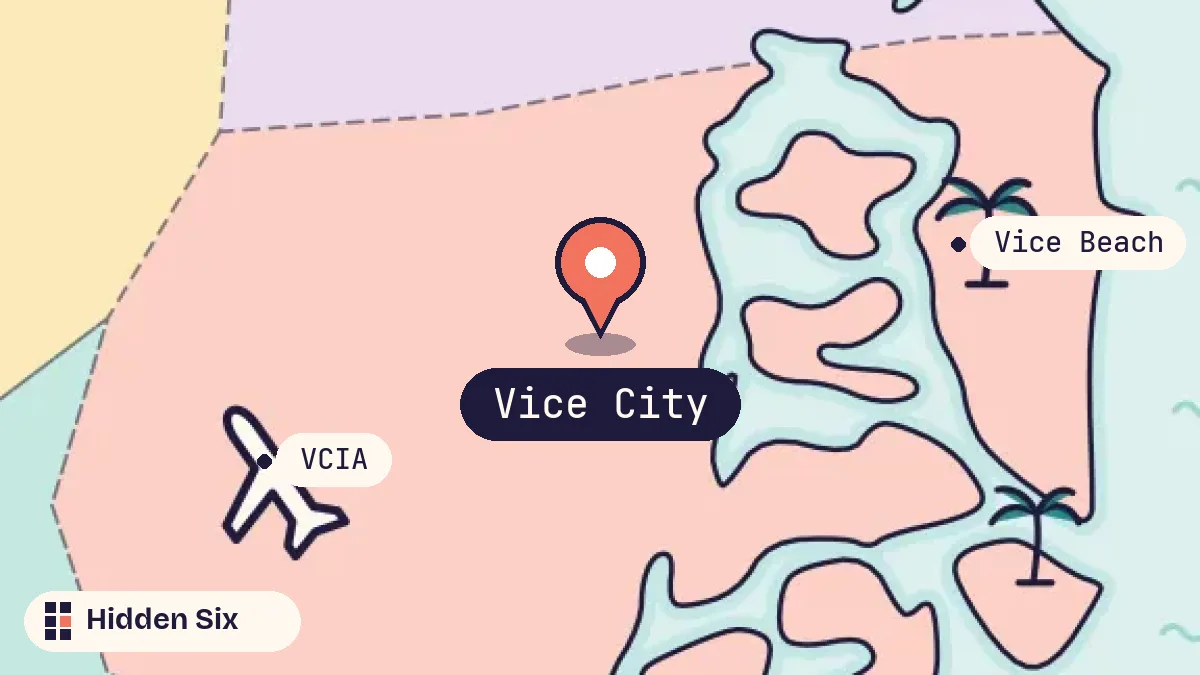
This tip is most relevant in Vice City, on its tight streets, where cramped corners and traffic make it easy to overturn a car.
Other vehicle controls worth knowing
The flip is one of several hidden vehicle controls that are never explained in the game. A few of them pair well with it when you are recovering from a crash or trying to stay out of trouble:
- Leave the engine running: double-tap triangle or Y when you exit a vehicle to keep the engine going, which is useful for a quick getaway while robbing a location.
- Boats: the same double-tap keeps a boat sailing in a straight line after you step off, so you can walk around it, change into scuba gear or shoot nearby people.
- Jet skis: if one is beached on the sand, walk behind it and hold R1 or RB to push it back into the ocean.
- Hide from pursuers: while in the driver’s seat, hold circle or B and your character ducks low to stay out of sight of people looking for you, such as the police.
More handy driving controls
- Vehicle options: hold left on the D-pad to open the radio menu, then flick the right stick to switch headlights on or off, roll down the windows or fold down a convertible roof. On a boat, the same menu lets you lower the anchor.
- Auto drive: hold down on the D-pad and press the options or menu button to enter cinematic camera mode, then hold circle or B so your character drives to a chosen destination on their own.
- Door attack: tap square or X while seated in a vehicle to strike nearby people with the door. On a bike, your character kicks out instead.
- Turn signals: tap left or right on the D-pad while driving.
- Road rage: press R3 or RS while driving to yell out of the window at a nearby driver.
Tips
- Use the flip only once the car is fully upside down; it is meant for a complete rollover.
- Press L3 or LS first, then hold square or X, so the input registers in the right order.
- If you were making a quick getaway, remember you can also duck low in the driver’s seat by holding circle or B to avoid pursuers while you recover.
- When a vehicle is beyond saving or you are on the water, the jet ski push and boat controls give you other ways to keep moving.